 StAI Flow
Training 26 of 30
Office and laptop ergonomics
Hospitality Safety Training · 26 of 30
Office and laptop ergonomics
10 minutes
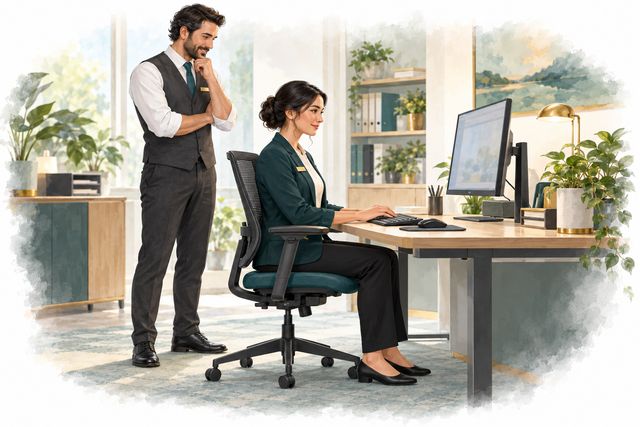
Section 1 of 4Understand the risk
A reception laptop fits the counter, but does the workstation fit you? Desk and screen work can strain muscles and tendons when reaching, bent wrists or a fixed posture continue for long periods. OSHA guidance favors equipment that adjusts to the person, not one rigid pose for everyone. Supported feet and lower back, relaxed shoulders and easy reach are useful checks. Work also needs regular changes of position and pauses from repeated computer tasks.
Section 2 of 4Notice warning signs
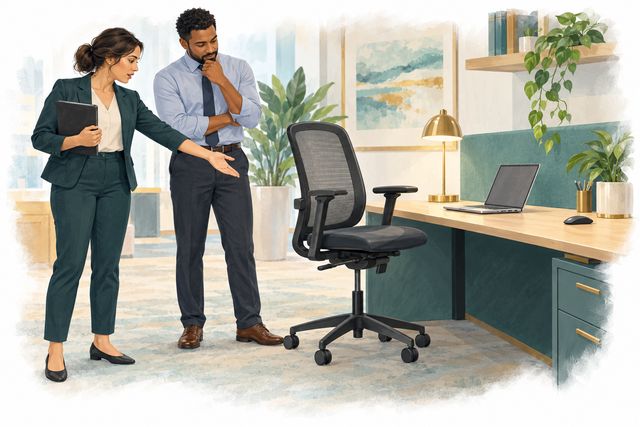
Notice raised shoulders, a neck bent toward the screen, bent wrists, dangling feet or a mouse beyond easy reach. Glare may make you lean or squint. A laptop used as the main computer needs the same fit checks as a desktop, with a separate keyboard and mouse. Report aching, tingling, numbness or eye discomfort early through your site’s process; ask for a workstation review. Do not assume every symptom is caused by posture.
Section 3 of 4Choose a safer next step
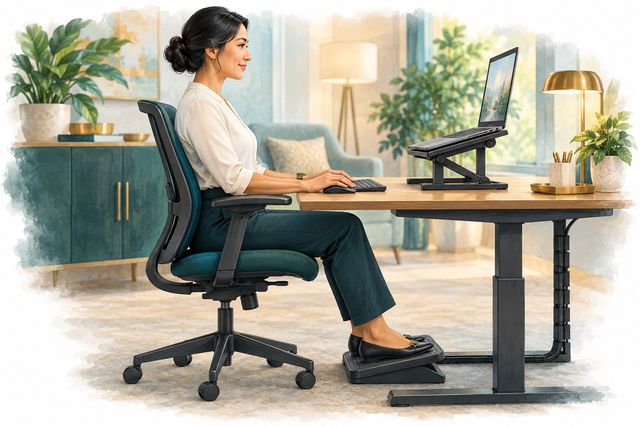
Adjust the chair for lower-back support and supported feet; use a suitable footrest when needed. Keep the keyboard and mouse close, with wrists straight and shoulders relaxed. Place the screen ahead, with its top generally at or below eye level and text readable without leaning. For a main-use laptop, arrange a separate keyboard and mouse so screen and hand positions can be adjusted. Request suitable equipment or help if it will not fit. Plan short recovery pauses.
Section 4 of 4Practice the decision

Scenario: Discussion only: Your laptop is raised for viewing, but its keyboard leaves your shoulders lifted. A colleague says to keep typing until the bookings are done.
Practice activity (4 min)
- Think 30 secIdentify the risk.
- Discuss 90 secAgree a safer plan.
- Compare 1 minCheck your plan below.
- Commit 1 minChoose your next-shift action.
Learner check
Based on the scenario above, what is the safest plan? Tap to reveal the answer.
Pause and request a better fit. Use a separate keyboard and mouse, suitable screen height and supported seating. Report discomfort early.
Sources
Bonus resources
Free outside material to go deeper. These open on the publisher's site.
- Working from Home: How to Optimize Your Work EnvironmentNIOSH (CDC) · Short article with setup tips
- Office Environments and Your SafetyNIOSH (CDC) · Web page